
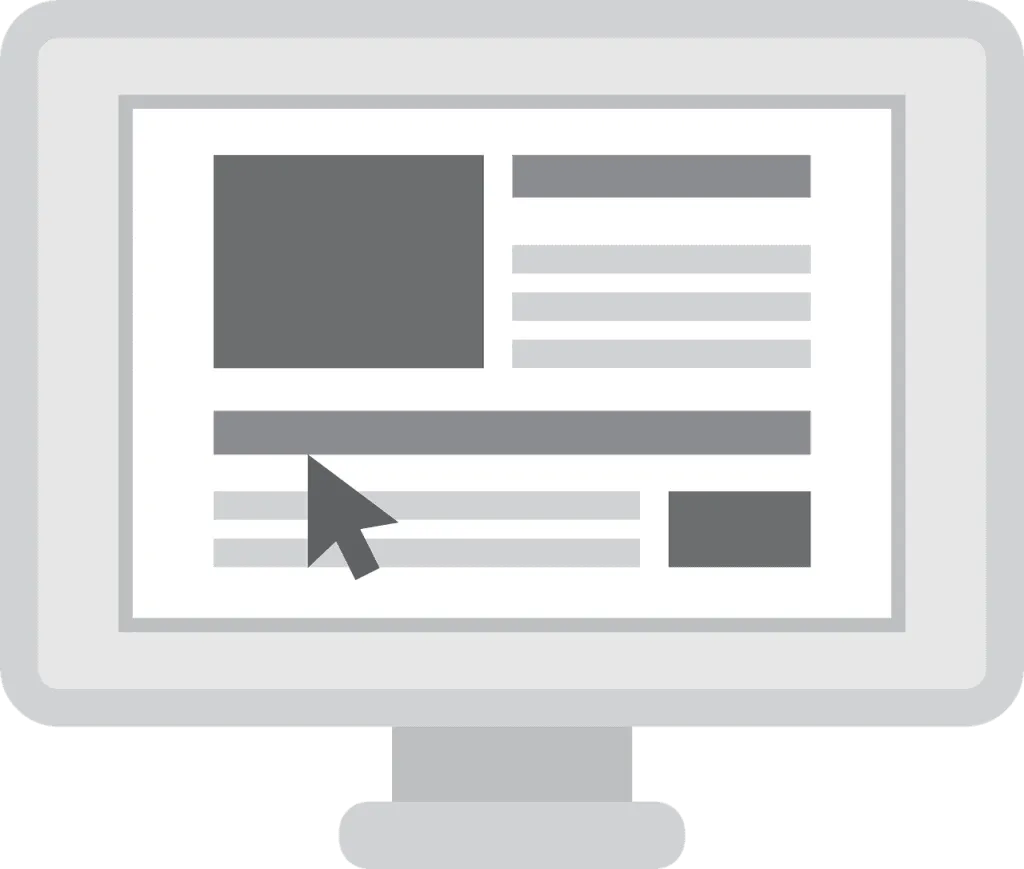
Website wireframe design gives you a simple, visual plan that maps structure, navigation, and content before you add colors, fonts, or code.
When you separate information architecture from aesthetics, you reduce risk and catch UX issues early. With 75% of users judging credibility by design, your early layout decisions shape trust, clarity, and eventual conversion rates.
In this guide, you learn what a website wireframe is, how it influences brand perception, SEO, and ROI, which tools fit different teams, and the exact steps to create low- and high-fidelity wireframes. You also get practical tips, examples, and quick FAQs tailored to how you work.
What Is Website Wireframe Design
Website wireframe design defines the layout, hierarchy, and core interactions of a page without final visuals. You use boxes, labels, and grey placeholders to prioritize information flow and task completion.
Think of a wireframe as a blueprint that shows what belongs on each page, where navigation sits, and how users progress through key steps. When you wireframe early, you typically see fewer revisions and faster approvals across stakeholders.
Even low-fidelity wireframes can surface critical usability issues within the first 5 moderated sessions, saving weeks later in design and development.
Tip: keep copy short and descriptive, and mark states such as error, loading, and empty for clarity.
How Does Wireframing Influence Brand Trust and Perception
Layout choices form first impressions in milliseconds. Research indicates users create an impression in about 50 ms, so clean structure, clear hierarchy, and accessible navigation become your earliest trust signals.
By separating brand styling from structure, you can test utility without bias. You validate which elements are essential, which can be simplified, and where friction hides on both web and mobile.
Small improvements compound. For example, simplifying forms has been shown to lift completion rates by double digits, and wireframes help you spot confusing fields, labels, and required inputs before you ship.
Tip: add inline helper text for any field that generates frequent support questions.
How Does Website Wireframe Design Impact SEO and Speed
When you plan content sections, headings, and internal link placements in a wireframe, you create a logical structure that search engines can crawl. Google notes that as load time increases from 1s to 3s, bounce probability rises by 32%, so lean layouts and fewer render-blocking elements matter.
Wireframes help you design for Core Web Vitals by prioritizing above-the-fold content, deferring heavy media, and reducing layout shifts. You also map headings, descriptive alt text areas, and navigation labels that improve relevance and accessibility.
Quick wins you can plan now include compressing hero images, using system fonts early in the cascade, and limiting third-party scripts on conversion pages.
Tip: note image aspect ratios and max dimensions directly on the wireframe to prevent layout jumps.
What ROI Can You Expect From Wireframing
Catching issues early reduces rework and protects the budget. Industry analyses consistently show that defects cost far more to fix in development than in design, so a short wireframing sprint often pays for itself.
Time savings compound across your team: fewer meetings, clearer acceptance criteria, and faster sign-off. Many teams trim days from QA because critical flows are validated in clickable wireframes before code begins.
As a simple example, if you spend a day wireframing a checkout flow and remove one step, you can reduce drop-off and support tickets later.
Tip: track time-on-task during validation; any step that takes 2x longer than expected deserves redesign.
What Mistakes Should You Avoid
- Jumping to high fidelity too soon. You risk debating colors instead of structure; a PMI report ties poor requirements to 47% of project failures.
- Skipping annotations. You make developers guess; note states, rules, and data sources for each interface element to cut rework.
- Designing for yourself, not users. Quick tests with 5 users can reveal most major issues, so schedule lightweight validation and adjust.
- Ignoring mobile. Over half of web traffic is mobile, so start with a responsive grid, readable type, and touch-friendly controls.
- Overloading pages. More choices can delay decisions; prune steps and help users focus on one primary action per page or screen.
How Do You Create a Website Wireframe Step by Step
- Set goals and constraints. Define outcomes, KPIs, and scope. You need success metrics, a timeline, and non-negotiable requirements shared with stakeholders.
- Map information architecture. Draft a sitemap and user flows to show how users move from entry pages to conversion pages, and identify content gaps early.
- Choose fidelity. Start low to explore ideas, then move to mid or high fidelity once you validate structure and core interactions with real tasks.
- Sketch layouts. Use boxes for content areas, UI components, and navigation; keep copy short and label states such as error, empty, and success.
- Annotate behaviors. Note inputs, rules, and error messages. Include sample data and edge cases so developers and QA share the same expectations.
- Build interactive wireframes. Create clickable paths for key tasks; even basic links will surface friction and dead ends quickly.
- Test with users. Five moderated sessions can uncover 80–85% of major issues; capture quotes and time-on-task to guide revisions.
- Iterate with your team. Share, collect contextual feedback, and align on priorities before moving to visual mockups or high-fidelity prototypes.
Which Tools Should You Use for Wireframing
You have many choices, so match the tool to your team and goals. Popular options include Figma for fast collaboration, Balsamiq for low-fidelity sketching, UXPin and Justinmind for interactive flows, and Visily for AI-assisted exploration.
Cloud apps help you collaborate with stakeholders who are remote or on mobile. Shared libraries and prebuilt UI components cut handoff time and keep patterns consistent across pages and products.
You can start from a template or a free UI kit to accelerate setup and keep interface elements uniform.
Tip: standardize spacing, grid, and component naming in your first file to speed reviews and developer handoff.
What Changes for Desktop vs Mobile Wireframes
Mobile-first wireframing helps you prioritize core tasks on small screens. Mobile accounts for more than 58% of US web traffic, so design tap targets, thumb-friendly navigation, and readable content in tight spaces.
On desktop, you can introduce secondary actions and multi-column layouts, but keep the same information hierarchy. Consistency across devices reduces cognitive load and speeds up task completion time.
Tip: test primary tasks on actual devices and simulate low-bandwidth conditions to confirm button sizing, spacing, and copy length hold up in real use.
Wireframe vs Mockup vs Prototype: What’s the Difference
You use a wireframe to define layout and structure, a mockup to add visual design, and a prototype to simulate interactions. Start with low fidelity for exploration, then advance fidelity as you validate flow and prepare for usability tests.
Clickable prototypes help you answer practical questions such as whether a user can get from the homepage to checkout in under two minutes. If not, your wireframe should make steps clearer before your team writes a single line of code.
FAQs
How long will a website wireframe take?
You can wireframe a core page in 60–90 minutes, and a small site in a few focused sessions.
Should you include real copy in wireframes?
Use draft content, but keep it concise and structure led so labels and hierarchy stay clear.
Do wireframes need color or images?
You should stay low fidelity until layout and flow feel right, then layer visuals with intent.
What if stakeholders ask for high fidelity?
Share a quick mockup after structure is validated to show visual direction without derailing flow.
Which pages should you wireframe first?
Start with the homepage and one key journey such as signup, demo, or checkout.
Can you wireframe an app the same way?
You can, but plan for gestures, offline states, and platform patterns that differ from the web.
Key Takeaways
- Align goals, information architecture, and UI before visuals to reduce risk.
- Improve SEO and speed by planning structure, headings, and performance-friendly layouts.
- Test early, iterate fast, and save development time with clearer acceptance criteria.
- Select tools, templates, and fidelity to match team skills and project scope.
Strong wireframes help you move faster with fewer surprises, which means better outcomes for growth, efficiency, and customer trust. If your wireframes are not driving clarity and performance, it may be time for expert guidance. Partner with Strategic Websites to turn thoughtful structure into measurable results.